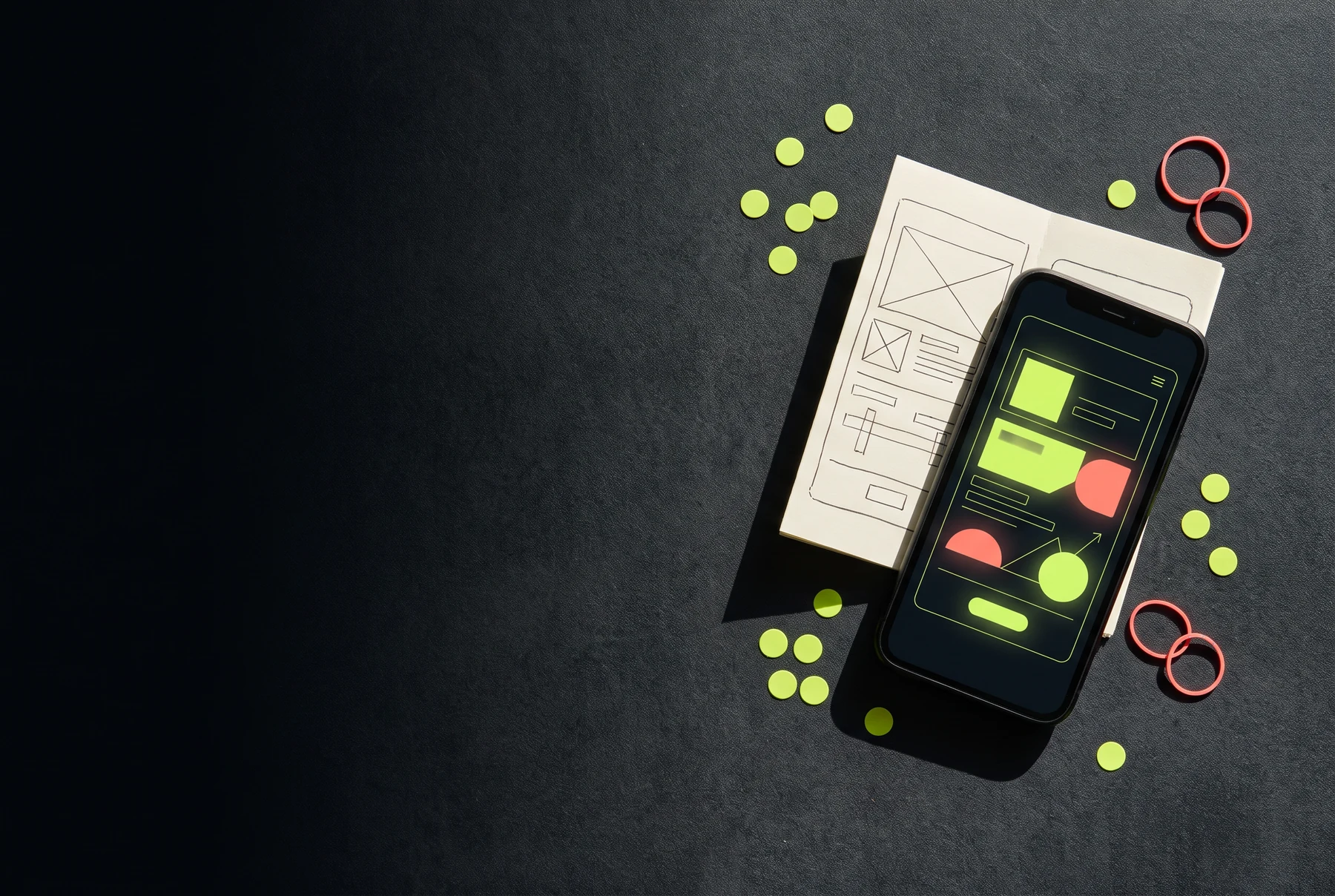
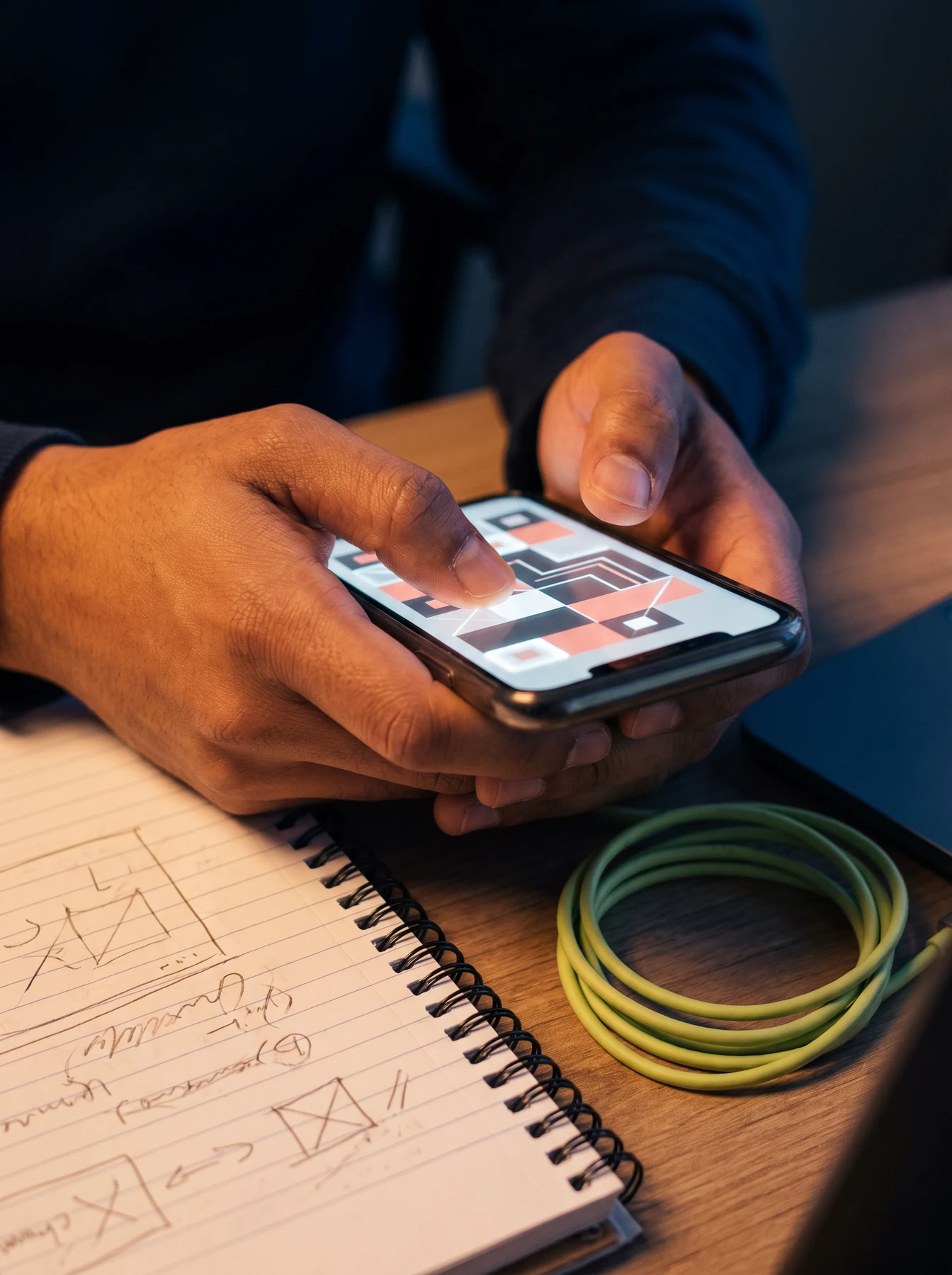
Dovunexal is an English-language information fieldbook for teams thinking through mobile product work: a first useful screen, a dependable test moment, a measured release note, and the people who meet the app in real life.
Information, not a project quote No sales or download claims
Prototype cue Start with the decision a person can actually make.
CONTEXT BEFORE FEATURESTEST THE HUMAN MOMENTWRITE THE CHANGE PLAINLY
THE FIELD NOTES
Build the route before polishing the room.
Mobile work gets clearer when the team can point to the moment, the person and the next choice. These notes are a way to discuss that work without pretending every product follows one formula.
01 / VISIBLE MOMENT
Give the first decision a shape people can recognise.
Before adding more routes, clarify what the person sees, what is optional, and what happens after one ordinary tap. A useful first state is not only simple; it shows enough context for someone to decide whether to continue.
Show a clear starting action.
Keep the next state unsurprising.
Let a person pause without losing the thread.
02 / HAND AND PLACE
The screen is used somewhere, not in a design vacuum.
Reach, glare, interruptions, network changes and time pressure are part of the interface. A team can make better trade-offs by naming the physical context early instead of treating it as a late-stage device check.
Consider a one-handed moment.
Use contrast that survives real light.
Keep recovery close to the error.
03 / AWKWARD EDGE
Make room for the state that does not fit the happy path.
An interrupted form, a slow connection, an unclear permission or a changed mind can reveal more than a polished demo. Keep an edge state visible in the discussion so recovery feels considered rather than apologetic.
Name what the person can still do.
Keep useful work where possible.
Offer one concrete next step.
04 / CHANGE RECORD
Write the change in language a teammate can repeat.
A release note can be short and still useful. State what changed, what a person may notice, and where to look if a visible action now behaves differently. This helps support, testing and product thinking stay connected.
Describe the visible difference.
Avoid promising outcomes you cannot know.
Record the decision while it is fresh.
01 Make the work visible enough to discuss.
A WORKING WALL, NOT A THEATRE
Questions have a place on the table.
A mobile product does not need an elaborate ritual to be considered. It needs a repeatable place to lay out the expected route, the uncertain point and the evidence that would change the next decision.
Cards can hold a question without turning it into a verdict.
THE RELEASE LOOP
Keep a small record of what changed and why.
A release is one stage in a continuing product conversation. This four-part loop gives teams a practical way to frame the work without relying on invented performance claims or false certainty.
01
Frame the moment
Name the person, the setting and the task. Do not begin with a feature list; begin with what the person is trying to finish.
02
Make a testable slice
Choose one small route with a visible start, action and result. Leave a note where the state could become unclear or interruptible.
03
Read the difference
Review what people noticed, where language fell short and what a teammate had to explain twice. Preserve context, not only a yes or no.
04
Write the next note
Record the change plainly, state the open question, and bring that note into the next small slice of product work.
THREE USEFUL LENSES
Mobile quality is more than a tidy screen.
Interaction
Is the target clear, touchable and forgiving when a person is moving quickly or holding the device differently than expected?
Context
Will the information remain readable under ordinary light, interruptions and a limited moment of attention?
Recovery
If the expected action fails, does the person understand what changed and have a usable next move?
PRIVATE REVIEW CARD
Mark the questions you have actually discussed.
These checks stay in this browser. Dovunexal does not store your team details, product ideas or review notes.
PRODUCT REVIEW0 / 6 considered
Do not polish away the question before it has been tested.
ONE DEVICE, MANY CONDITIONS
The interface is only one part of the experience.
Support language, permissions, loading states, accessibility preferences and the way a person holds a device are product decisions too. Make them visible in planning, not only when something goes wrong.
Use familiar words for permission requests.
Keep a visible path back from an interruption.
Ask what a person notices before asking what they prefer.
COMMON QUESTIONS
Useful conversations survive a second question.
Dovunexal is an information site. It does not offer app downloads, a development service, staffing, project estimates, payment or availability claims.
Start with the moment that would be most confusing or consequential if it failed. Describe the person, their setting, the action they expect to take and the change they should notice. A small, testable route is more useful than a broad mock-up because it gives a team language for a real decision without pretending the entire product is already solved.
A considerate error state explains the immediate situation in plain language, preserves useful work when that is possible, and provides a specific next action. It should not blame the person or promise that a problem is already fixed. The right response depends on the context, but leaving someone with an abstract warning and no practical route forward is rarely helpful.
A short release note helps different people share the same picture of a change. It can clarify what moved, what a person might notice and which question remains open. This is useful for design, development, testing and support alike. A release note is not a performance promise; it is a durable piece of context that can reduce avoidable guesswork later.
No. Dovunexal is a general information fieldbook and does not collect a product backlog, technical requirements, customer data, payment information or confidential roadmap material. The optional contact form only prepares a local email draft about the website itself. Do not use it to send sensitive information, credentials, private source code or details that require a service agreement.
SITE NOTE
Share a useful correction, not a confidential roadmap.
This form creates a browser-local email draft about the website. It does not automatically send a message and it should not be used for product secrets or private information.